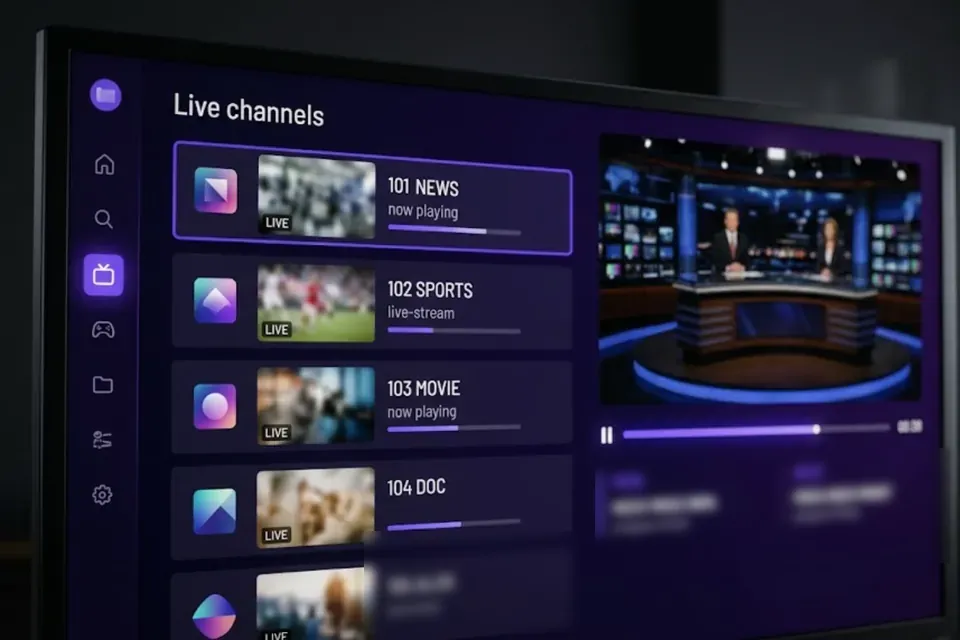
Live TV
Live channels from many countries, organised in categories so you can switch quickly.
The LibertyTV app
Channels, films, series and big matches on your TV, tablet, phone and computer. Install it in a few minutes and sign in with the details from your welcome email.
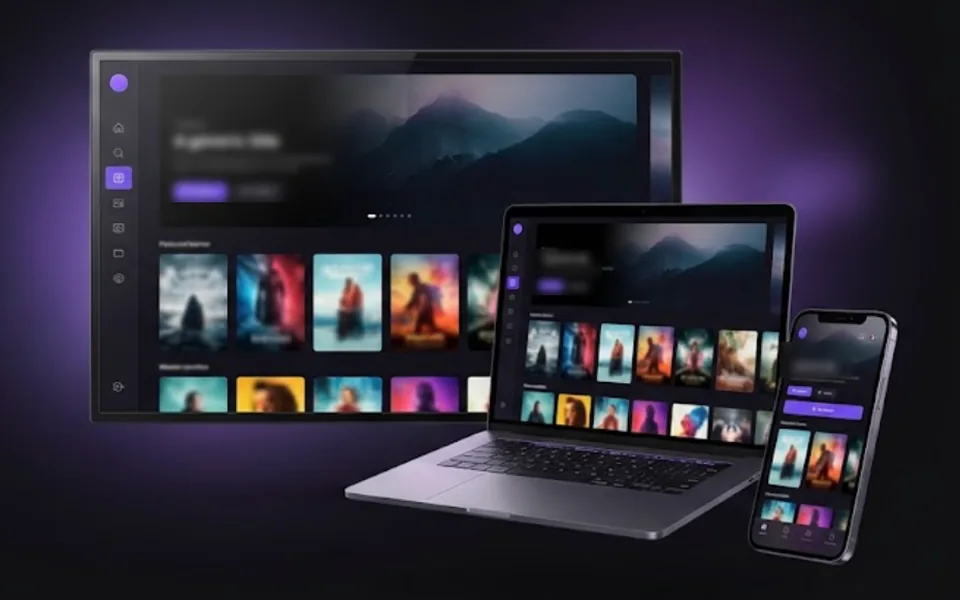
Explore the app
One sign-in gives you the whole LibertyTV library on every supported screen.
Live channels from many countries, organised in categories so you can switch quickly.
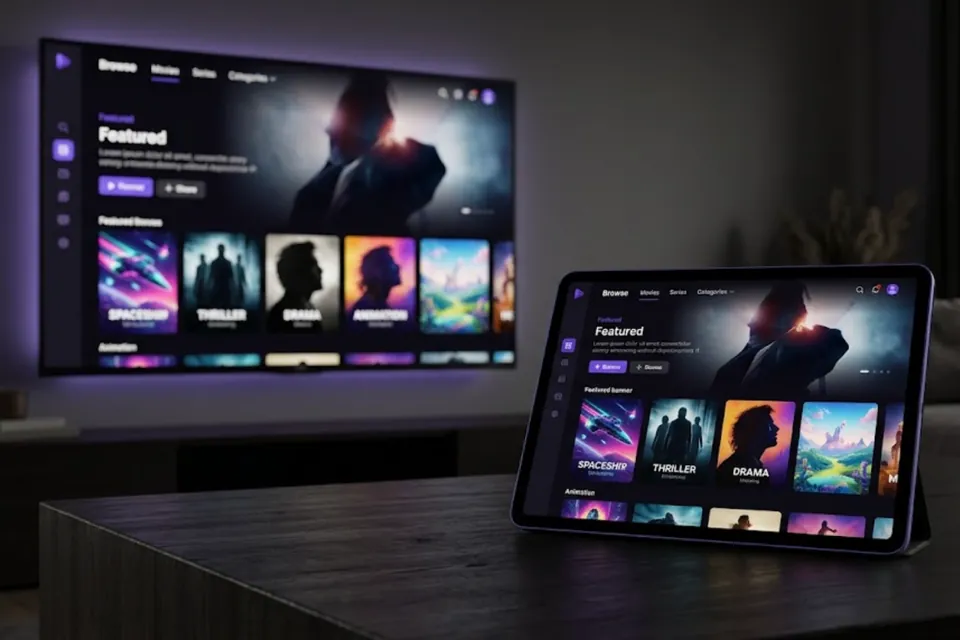
Films and full seasons on demand, ready whenever you are.
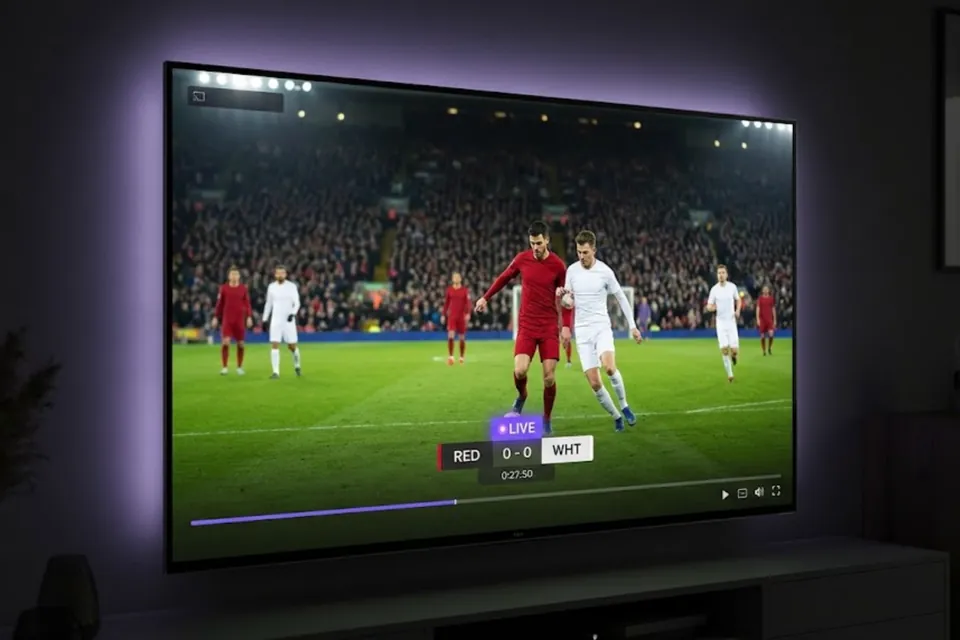
Match nights and big events on the biggest screen in the house. Availability depends on your region and package.
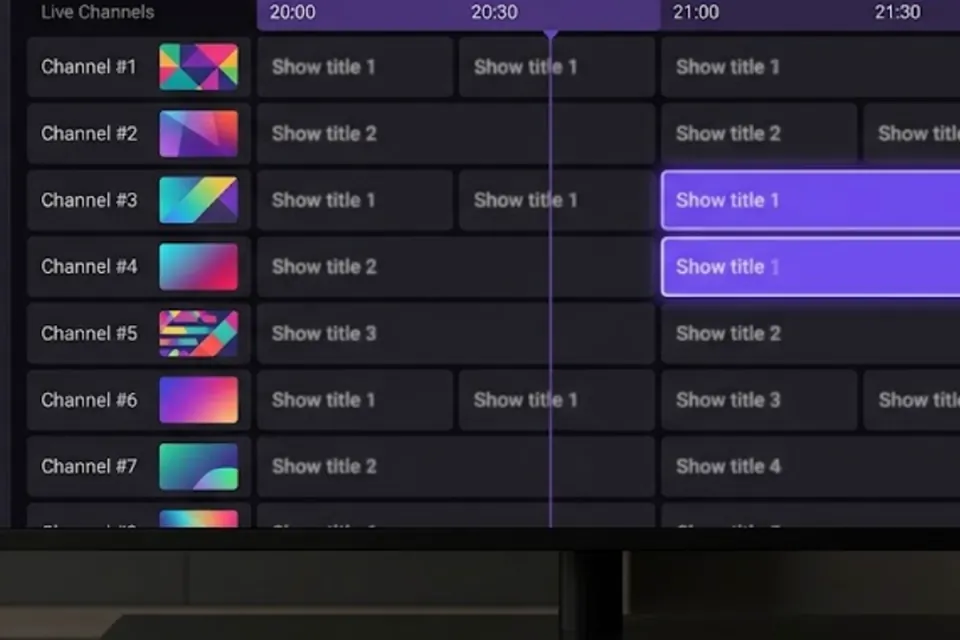
See what is on now and next in the programme guide, for channels that provide guide information.
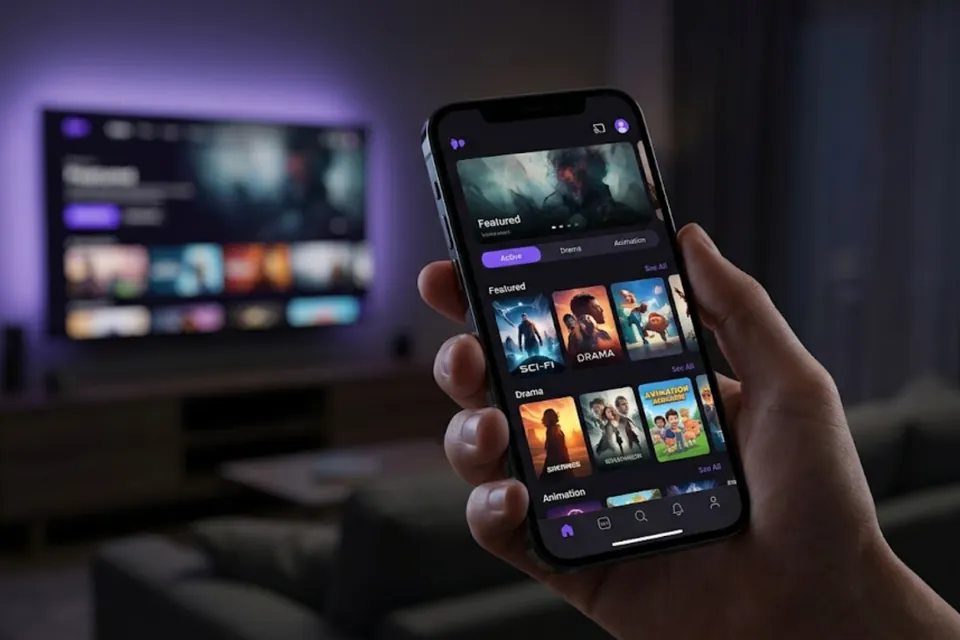
Watch on one, two or three devices at the same time, depending on your plan.
Supported devices
Each device has its own step-by-step guide with the right app and codes.
How to install
Keep your welcome email at hand: it contains your username and password.
Pick the number of devices and a duration. After payment, your login details arrive by email.
Fire TV and Android: install Downloader and enter code 4252041 to get the LibertyTV app. Samsung, LG and Apple devices: install Smarters Player Lite from the official app store. Windows: IPTV Smarters desktop player.
Enter the details from your welcome email. Smart TV, Apple and Windows players also need the server address from the guide or your email.
App preview
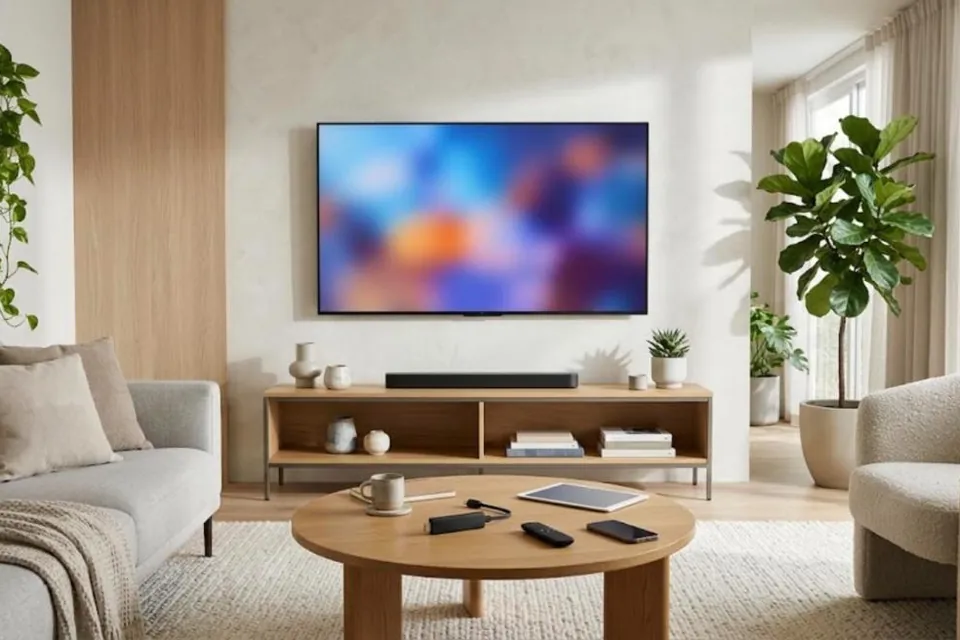
Illustrative images. The look of the player can differ slightly between devices.
Fire TV and Android TV / Google TV: the LibertyTV app, installed with Downloader. Samsung and LG Smart TVs, iPhone, iPad and Apple TV: Smarters Player Lite from the official app store. Windows: the IPTV Smarters desktop player.
Install Downloader from your device’s app store, allow it to install apps, then enter code 4252041. The full steps are in the installation guide.
Your username and password are sent by email once your payment is confirmed — usually within 5 minutes to 1 hour.
It depends on your plan: one, two or three devices. You choose this before checkout.
Yes — on iPhone and iPad with Smarters Player Lite. For Android phones and tablets, ask support which player to use before subscribing.
Choose your plan in a minute. Your login details follow as soon as payment is confirmed.