How to get help with your LibertyTV account
Reach LibertyTV through your account and bring the details that make a support request useful.
Start with your LibertyTV account
For a LibertyTV account, subscription or setup question, sign in to the existing customer system. Use the support options available there. This marketing website does not process account changes or ask you to enter your streaming password.
IPTV describes a technology, not one company with a universal support number. If your subscription is from a different provider, contact that provider through your purchase receipt or account. This page does not publish a LibertyTV telephone number, promise round-the-clock response times, or offer support for every IPTV service.
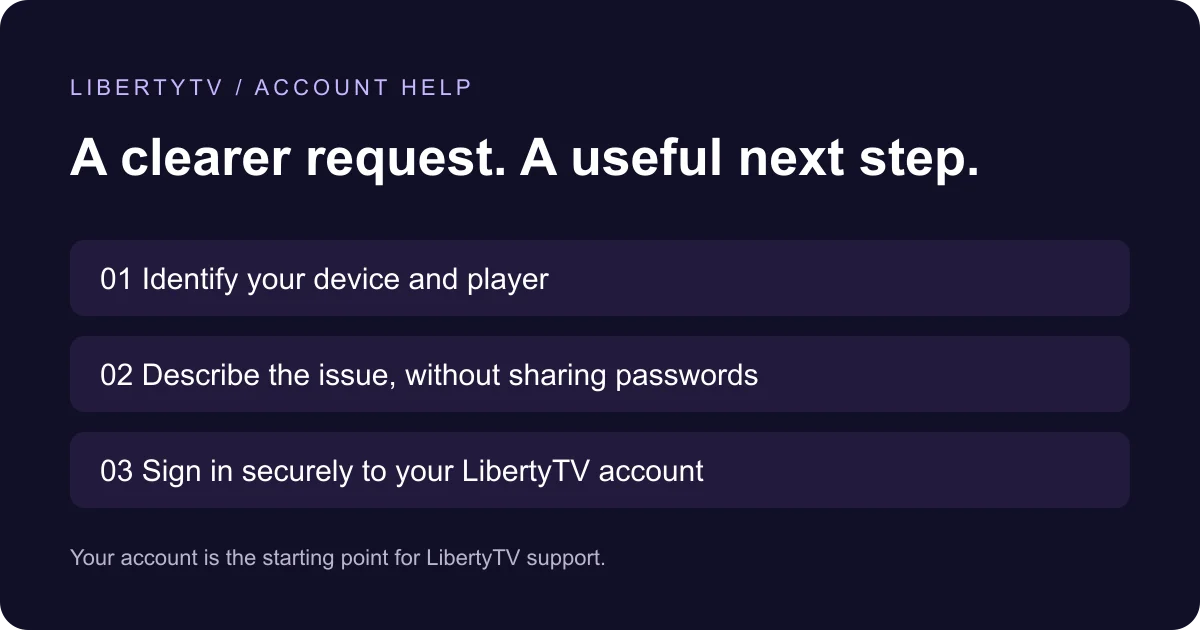
Prepare a useful support request
A precise description makes it easier to distinguish an account issue from an installation or playback issue. Include only the information needed for the request.
- Your device’s exact model and operating system, plus the player name and version.
- The action you were taking and the exact error message, if one appears.
- When the issue started, including your time zone, and whether it affects one item or the whole player.
- The steps you have already tried. Redact passwords, full playlist URLs, payment details and private messages from screenshots.
Use the right guide before changing settings
If you are installing for the first time, choose the guide for your device rather than mixing instructions for Fire TV, Smart TV and Apple players. Their connection requirements differ. Check the details supplied in your own account or welcome message instead of copying another customer’s server settings.
If a player cannot be installed, check device and operating-system compatibility first. If it opens but rejects your sign-in, confirm the account details and login method. Do not repeatedly buy a new subscription or player licence as a troubleshooting step.
Billing, renewals and refund questions
Keep account and payment questions in the customer system. Review the current Terms & Refunds page before submitting a refund request; eligibility and exclusions matter. This support page does not change those terms or guarantee an outcome.
Sources & related guidance
Developer and LibertyTV guidance checked on September 13, 2026. App availability and commercial terms can change.